SPECIFICATIONS
APP Compatibility: Android Apple Universal
Accessory Type: Suction cup holder, application manual.
Aperture: F2.0
Assembly Mode: Portable Recorder
Audio Recorded: Yes
Battery: Built-In
Battery Type: lithium battery
Brand Name: WDSZKMYF
Built-in Screen: Yes
Cable Length: 3.2m/6m
Camera Resolution: 1920x1080
Certification: CE,FCC
Chipset Manufacturer: MSTAR
Choice: yes
Display: IPS
Display Size: <3"
Frames Per Second: 30
GPS logger: NONE
High-concerned chemical: None
Imaging Sensor: Sony IMX307
Is Batteries Included: Yes
Item Type: Car DVR
Loop-Cycle Recording Feature: Yes
Max External Memory: 64G
Maximum Video Frame Rate: 30FPS
Memory Card Required Reding Speed: Class 10
NightShot Function: Yes
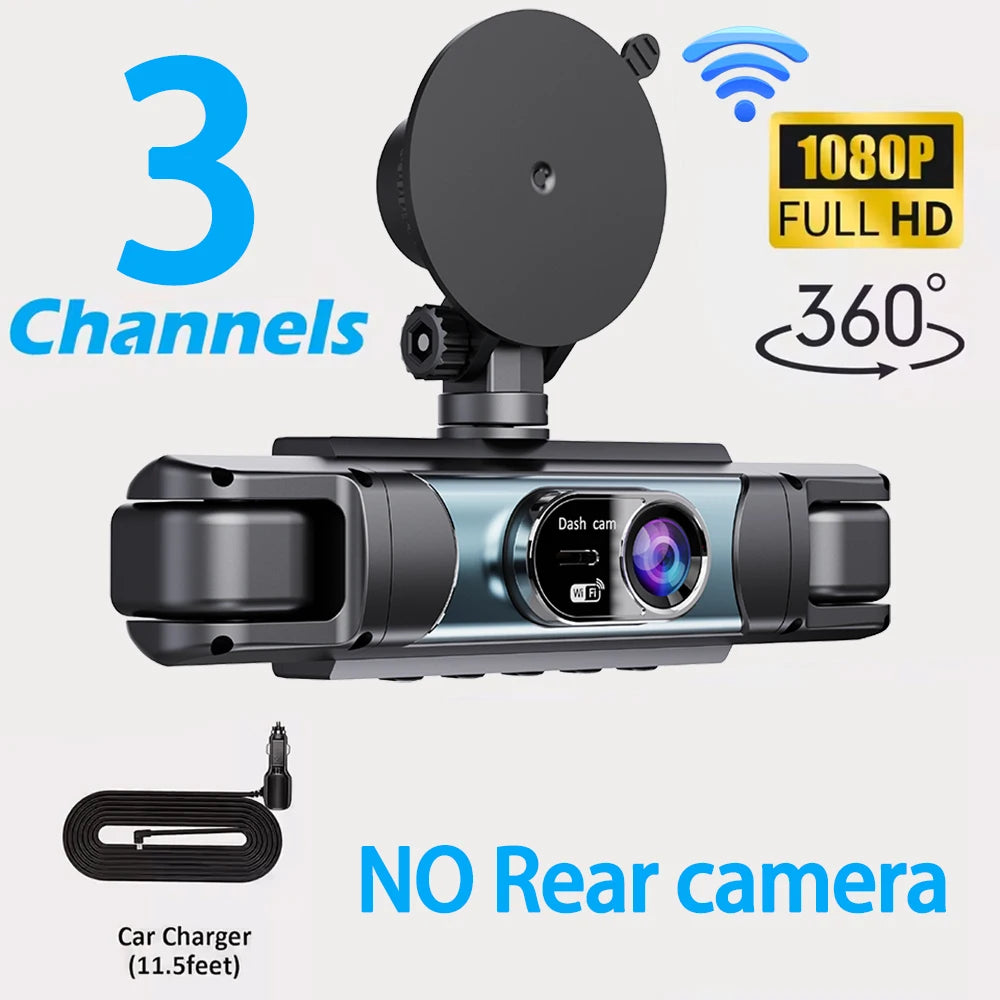
Number Of Lenses: 3
OSD Language: Arabic,Chinese (Simplified),Chinese (Traditional),English,French,German,Japanese,Korean,Portuguese,Russia,Russian,Spanish
Origin: Mainland China
Original Package: Yes
Pixels: 200Mega
Power Source: Corded electric
Rear Camera: Yes
Screen Ratio: 4:3
Special Features: G-Sensor,motion detection,With Rearview Mirror,Wide Dynamic Range,wifi function,Parking Monitor
Touch Screen: no
Video Code: H.264
Video Format: AVI
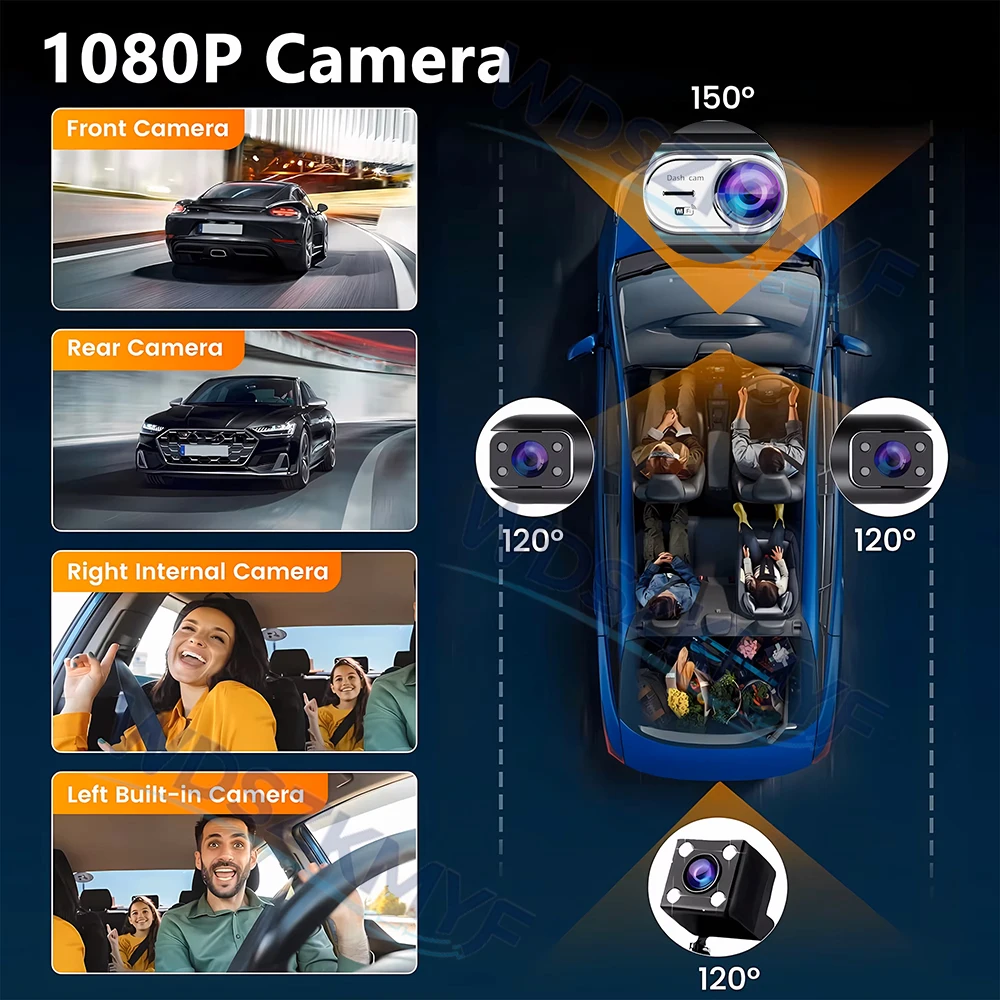
View angle: Front: 150 ° Interior Rear: 120 °Front: 150 ° Interior Rear: 120 °
Weight: 300g
Working Temperature: -20℃~+70℃
Important Installation Tips!! Be sure to read before testing!
Common Knowledge: Dashcams are designed to be permanently connected to the vehicle’s power supply. Due to high temperatures inside the vehicle, in-car electronics typically use small-capacity lithium batteries that are safe and heat-resistant. These batteries are only used to update the background time and cannot be recharged; they cannot support long-term operation without a power source. Be sure to install the car cigarette lighter adapter as instructed.
note:
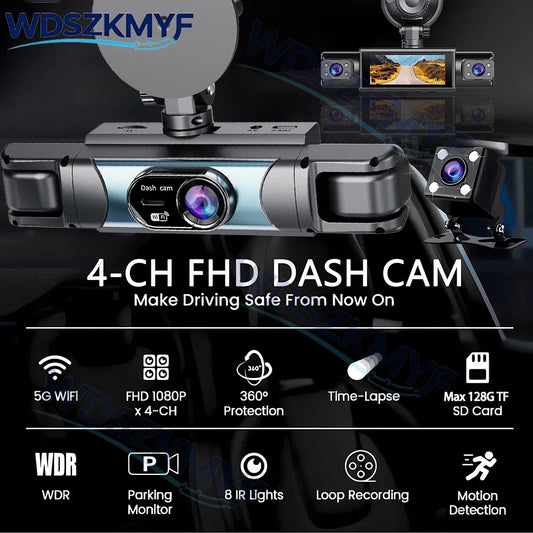
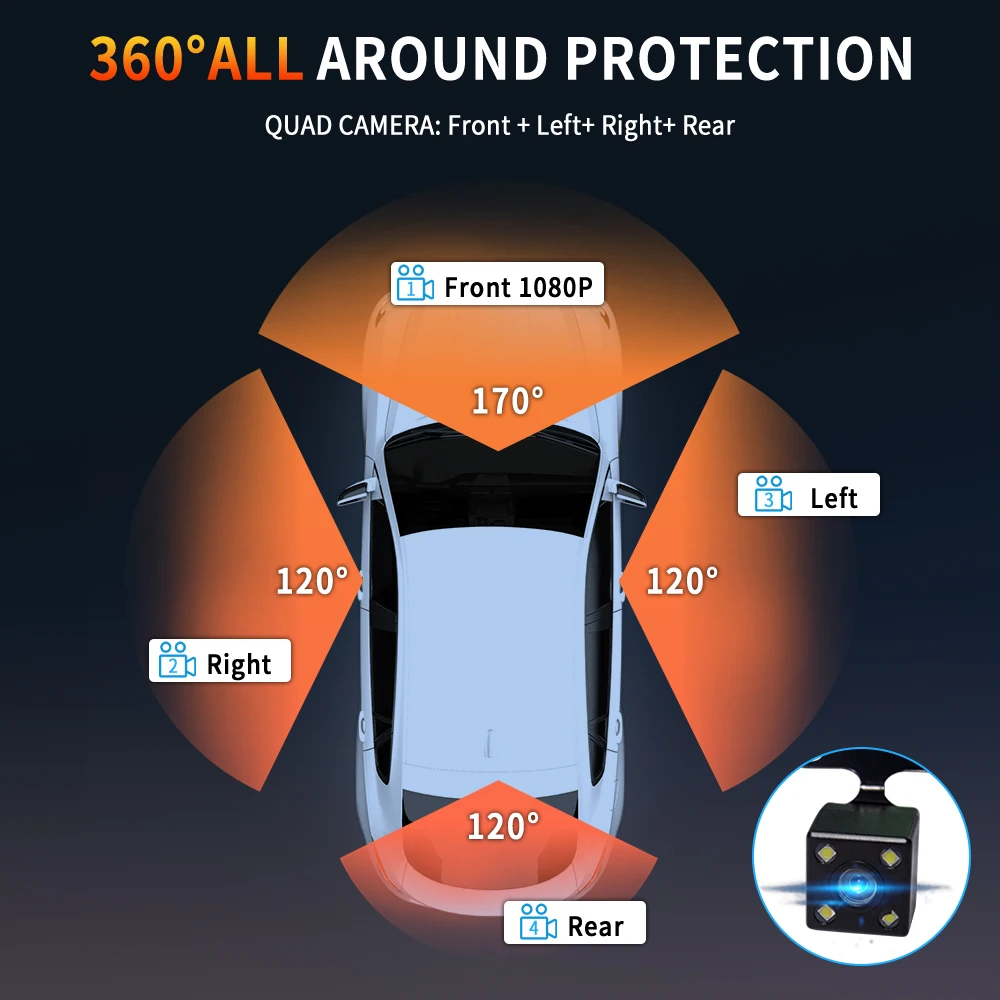
3 lenses: front left and right lenses
4 lenses: front and back left and right lenses,This product can display 4 images simultaneously by selecting 4 lenses
All products listed under this link include Wi-Fi functionality, allowing you to connect to Wi-Fi and use the app to quickly view videos and photos.
Please order according to your needs, the picture when ordering has all the information of accessories for reference!
2026 3 channels or 4 Channels WIFI Dash Cam for Cars
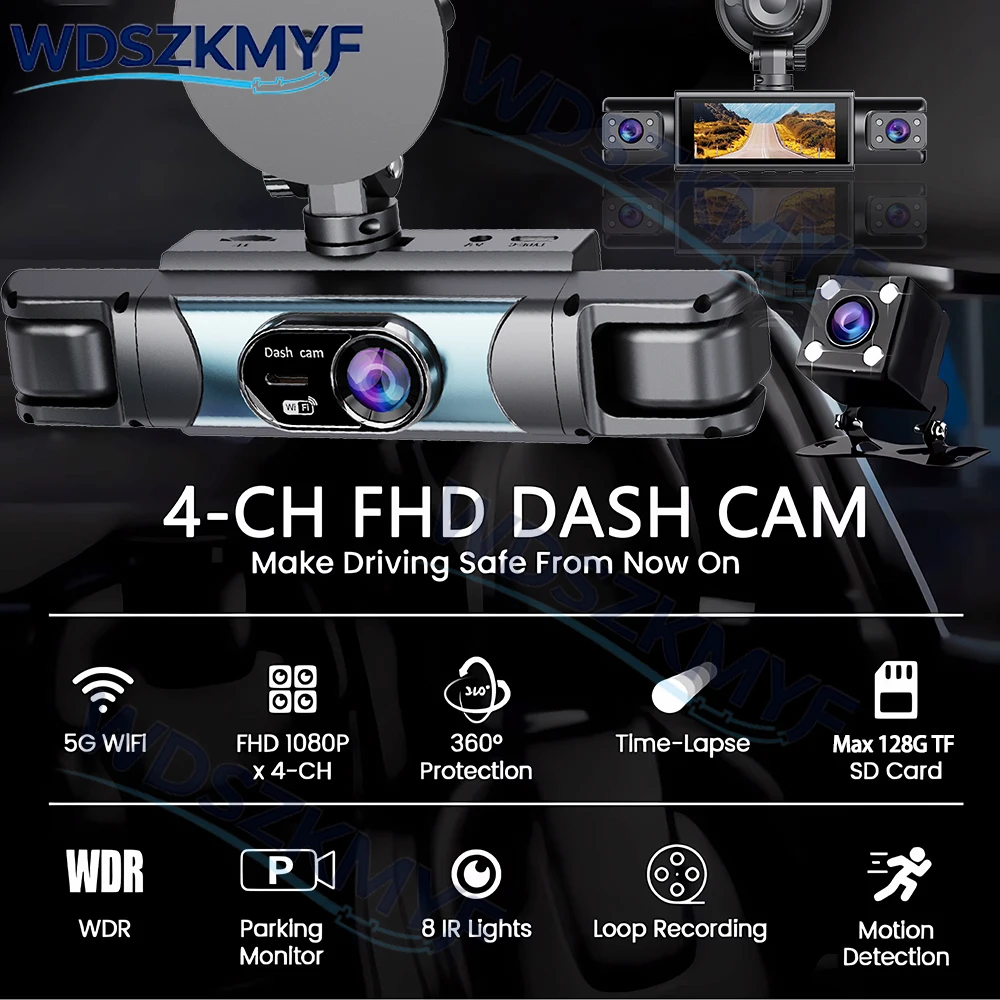
4 Channels 1080P Dash cam 4-camera simultaneous display
ONLY Front Camera: 1080P;
3lens Front &left&roght Camera :1080P+720P+720P
4lens Front &right&left&rear Camera :1080P+720P+720P+720P
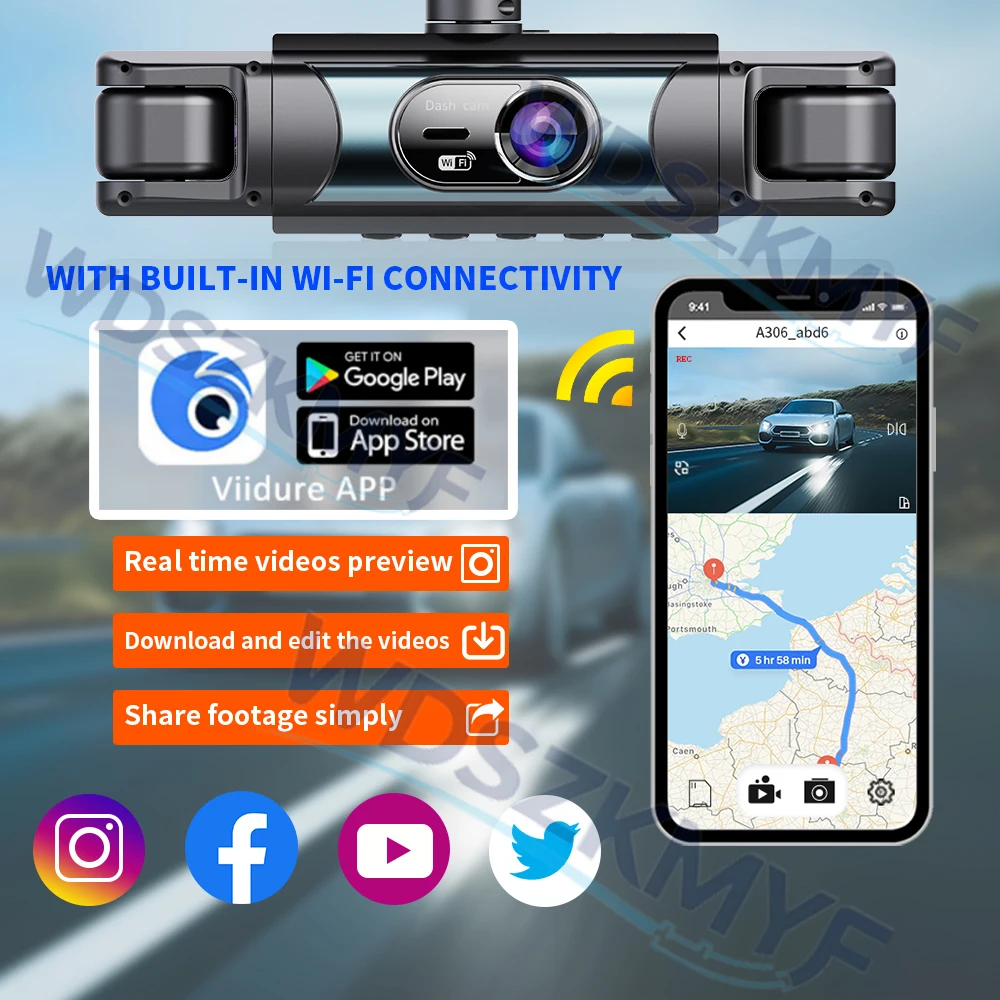
WIFI & APP
The Wi-Fi feature allows you to quickly view or download video files via the mobile app. It supports quick sharing of video evidence to social media sites or with your friends.
How to Connect via Wi-Fi:
1. Download the app to your phone.
2. After powering on the dashcam, go to Settings and turn on the Wi-Fi switch.
3. On the Wi-Fi page, you’ll see the Wi-Fi signal and password; use your phone to connect.
4. Open the app and connect to the dashcam.
5. Connection complete.
Turning off the Wi-Fi interface disables the Wi-Fi signal; it is normal to be unable to connect to your phone at this time. If you need to continue using the app’s features, do not turn off the Wi-Fi on the dashcam’s settings page.
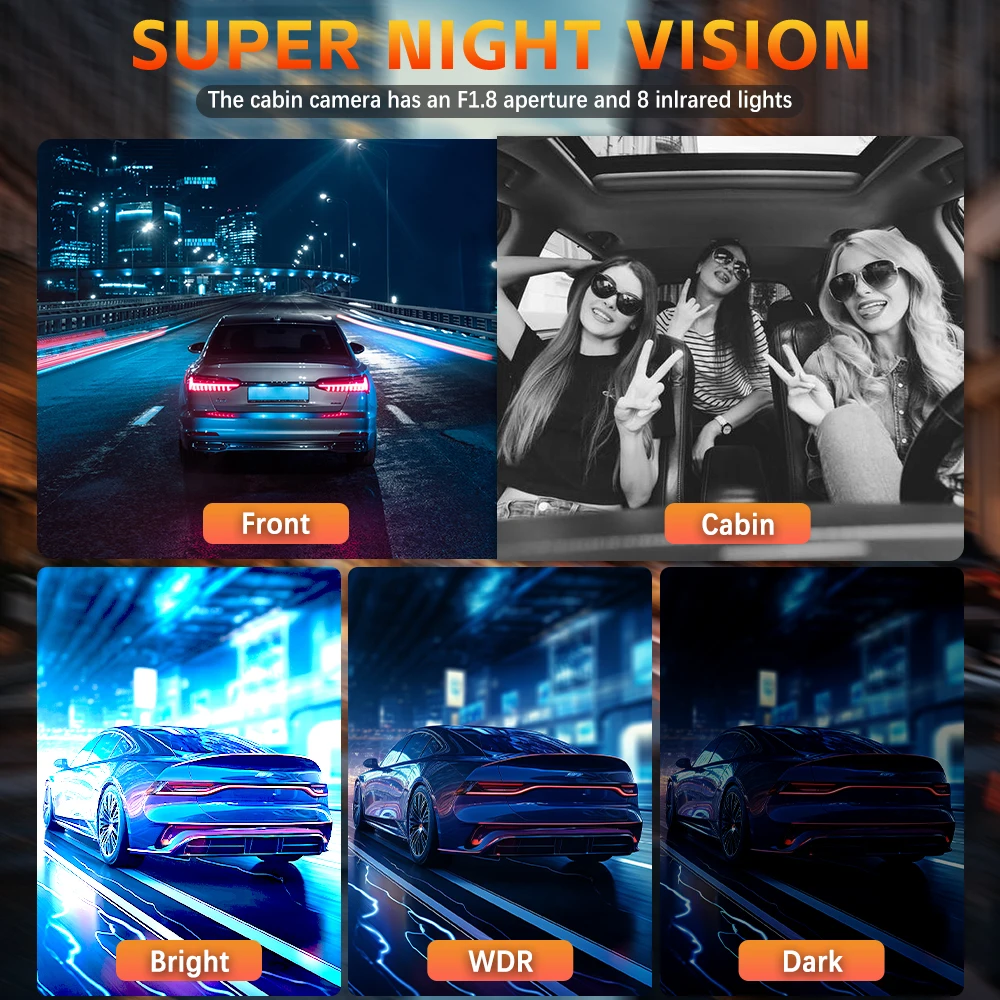
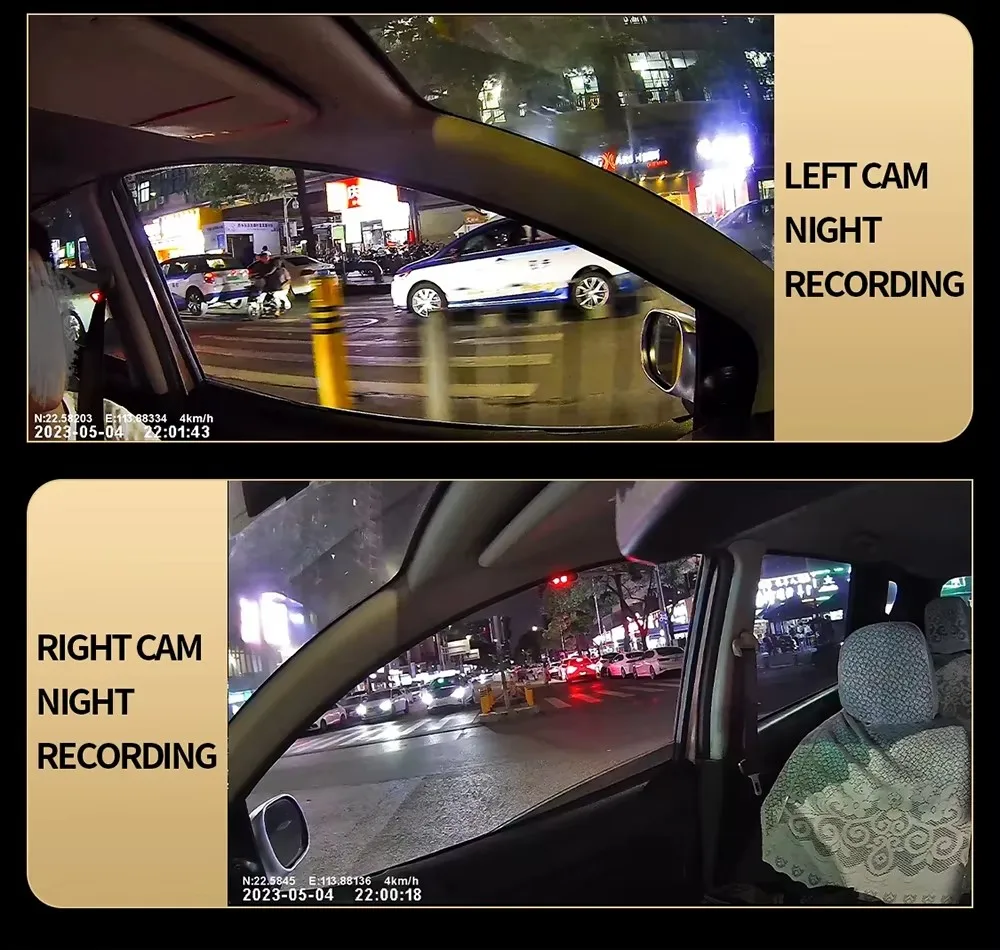
Starlight Night Vision
With the help of F2.0 wide aperture and the decent low-lightperformance of the lens, the car camera is able to capturedetails like license plates at night.

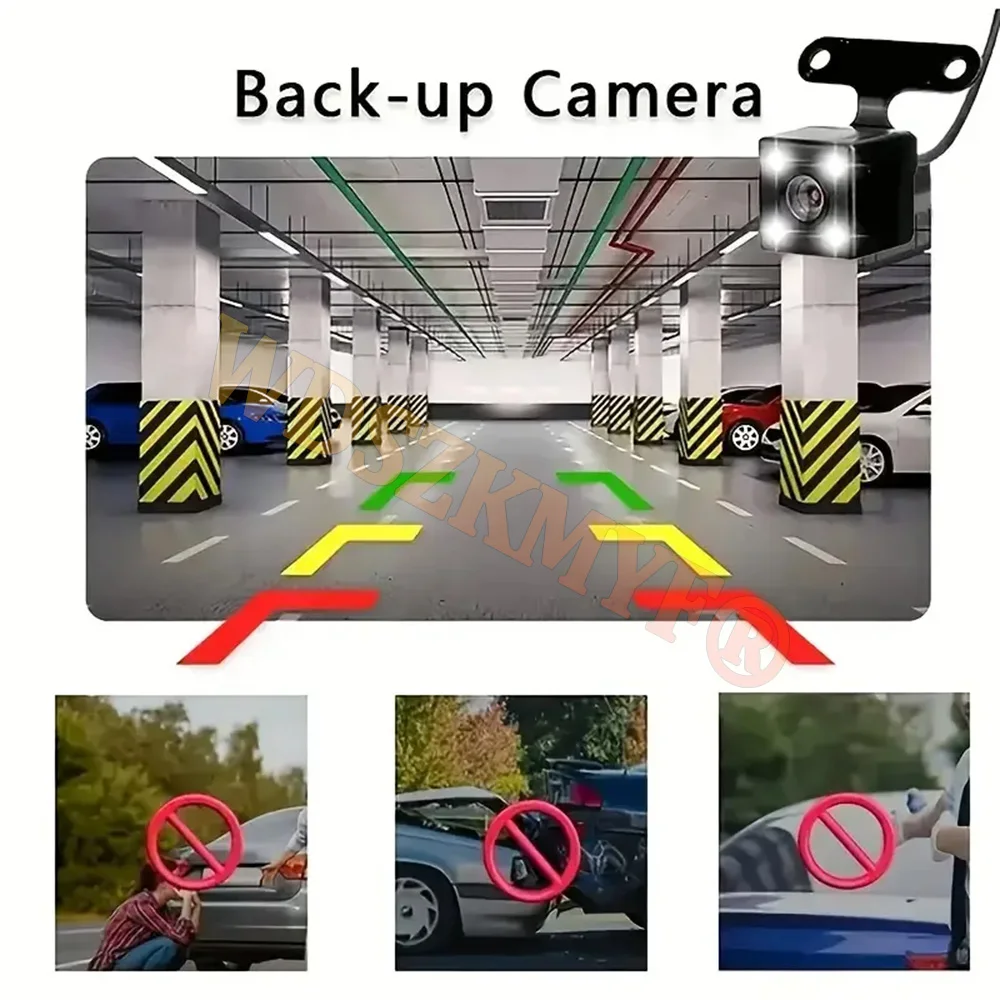
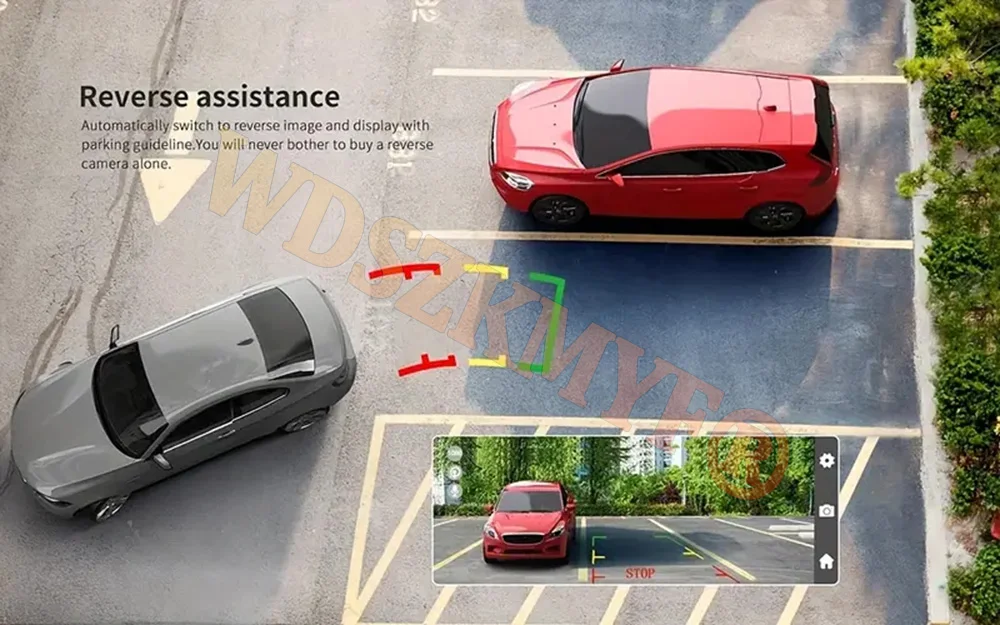
Support reverse camera
Optional Accessories
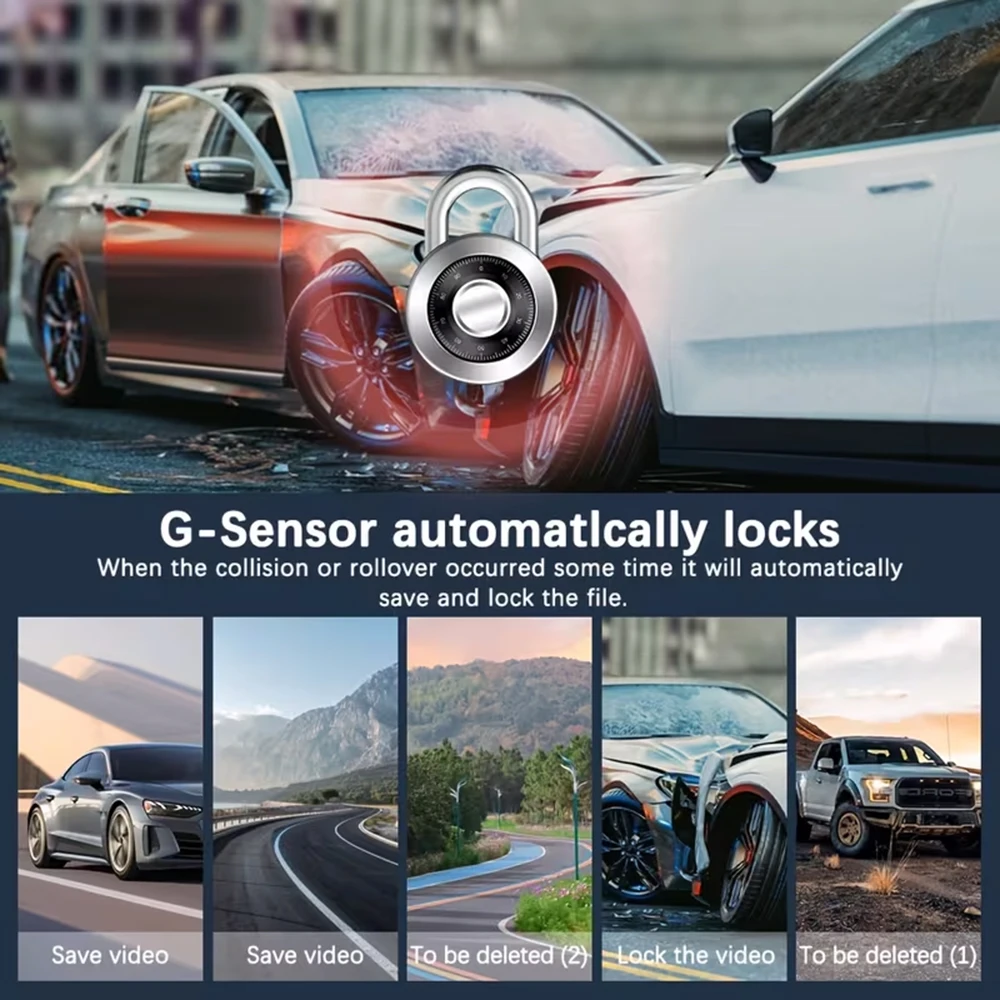
Built-in G-sensor
When your car is subjected to an impact or other emergency,the G sensor is triggered, so that the recorder immediately records and locks the video.
Loop- Cycle Recording
When the TF card is full,it will automatically delete former video and keep recording all the time

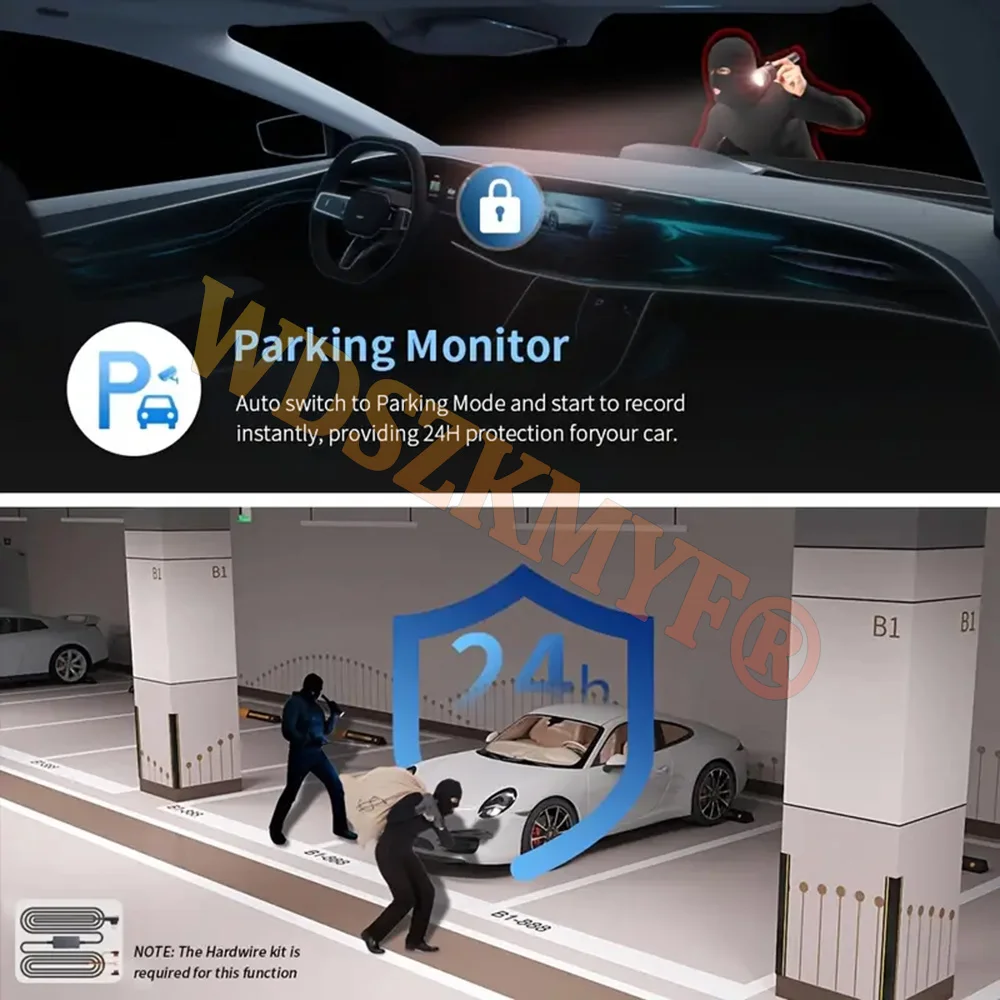
About 24-Hour Parking Monitoring
If you need the 24 hour parking monitoring function, you can order the corresponding Buck Line accessories to replace the car charger.Through Buck Line, the DVR power can be obtained directly from the car battery or car ACC, so that the DVR can maintain normal recording work even when the car is turned off.(Since different car models have different battery interfaces or ACC interfaces, it is not recommended to install it by yourself. It is recommended to find a professional to install the Buck Line.)
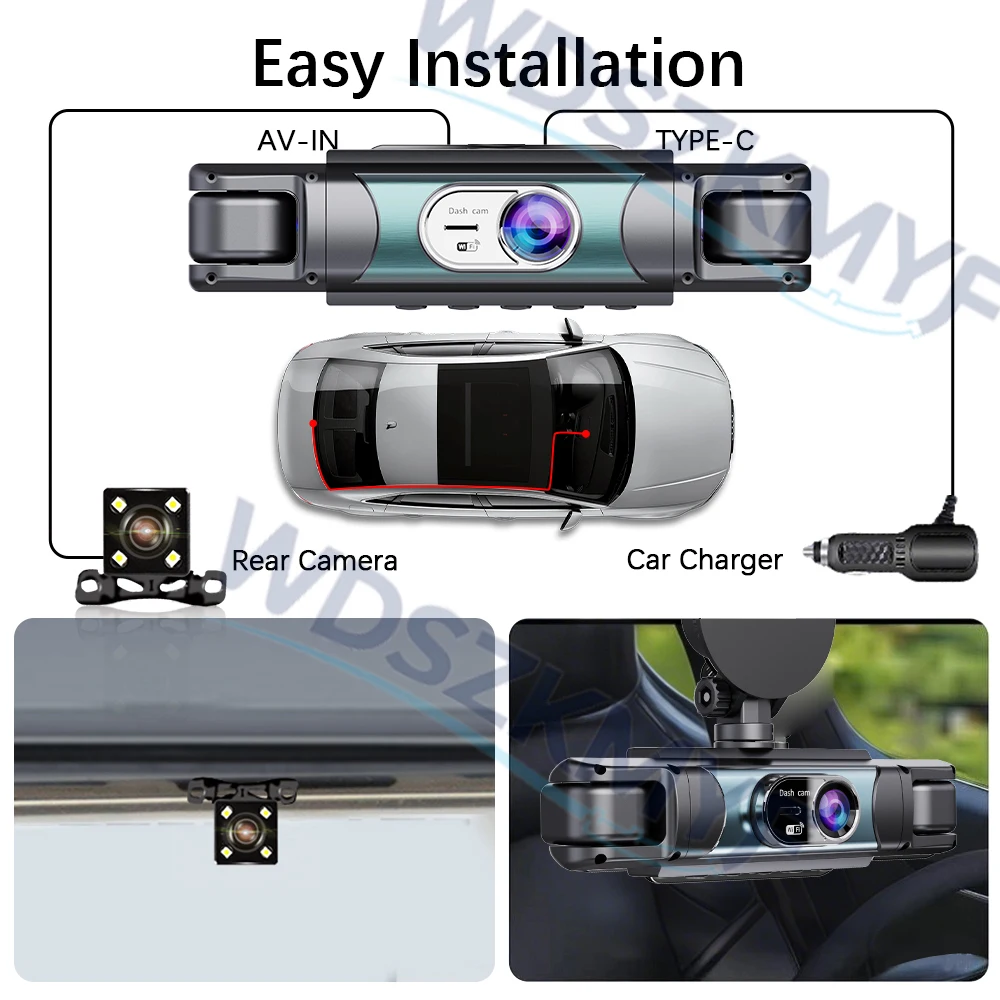
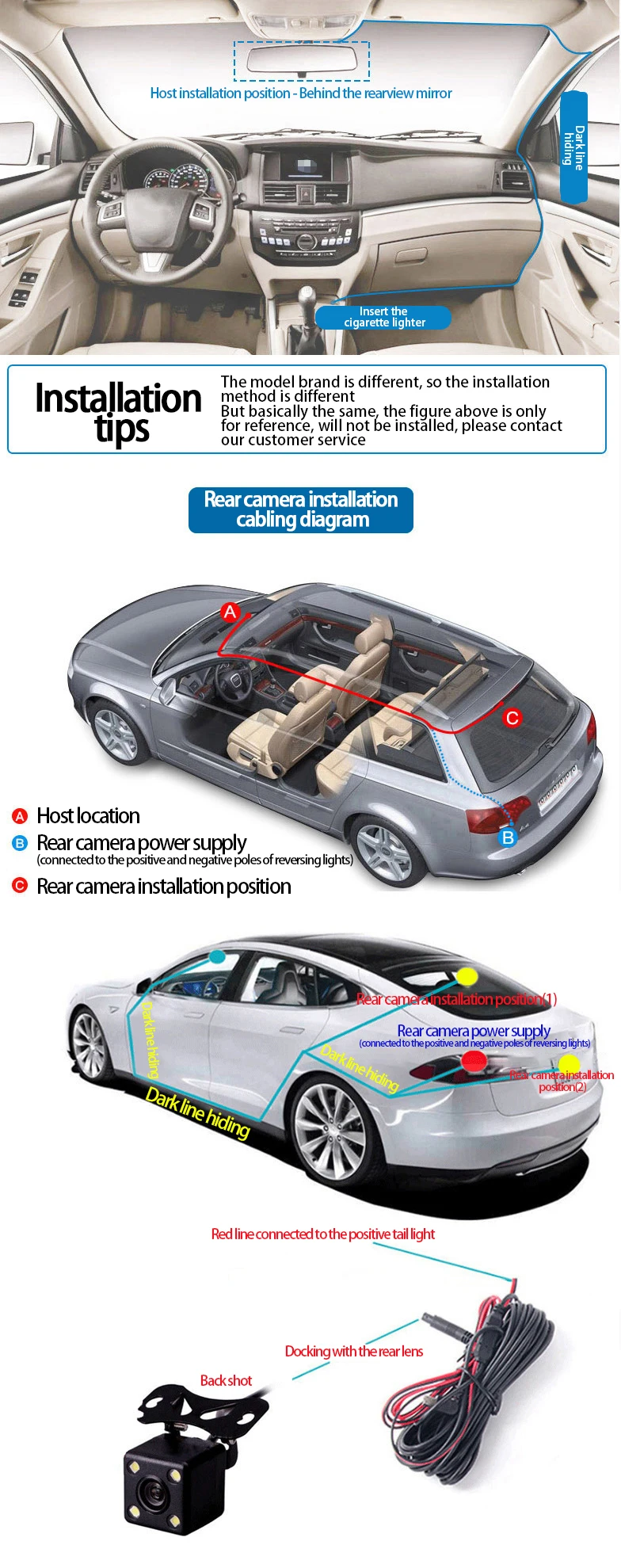
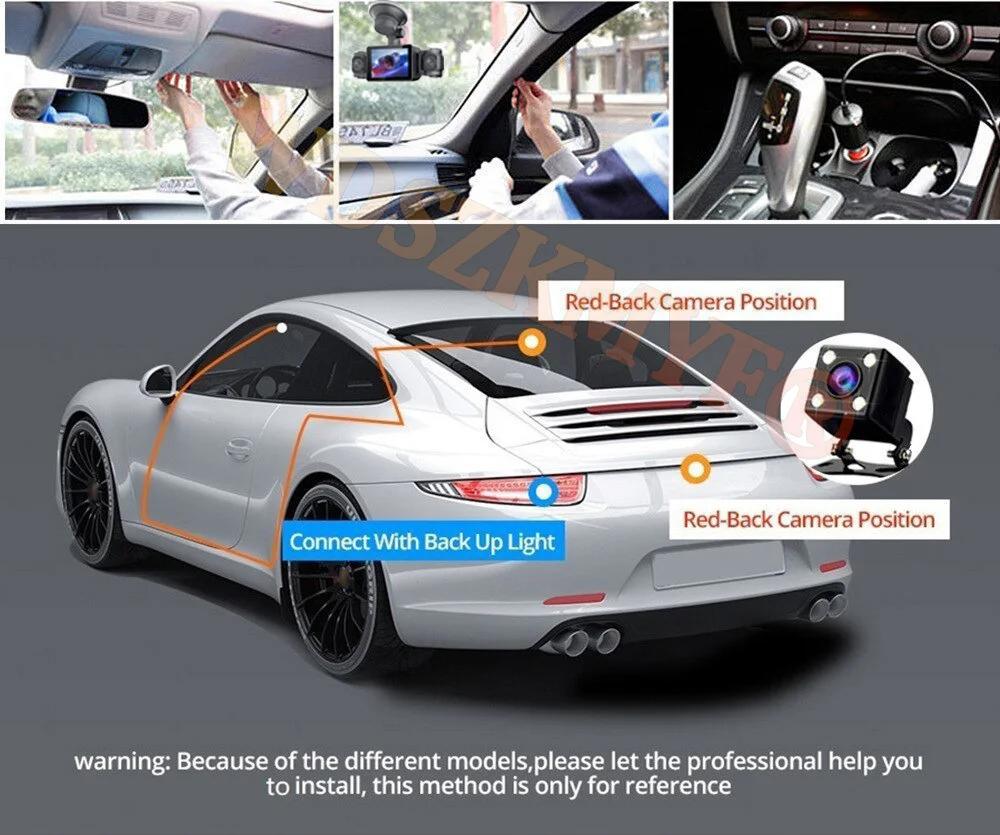
Installation Diagram
1.Secure the recorder to the windshield of the vehicle , recommended near the rearview mirror area2.Hide the power cord in the window gap along the red line in the figure above3.Insert the car charge wire into the cigarette lighter, connect the power supply, and complete the installation
Important Installation Tips!! Be sure to read before testing!
Common Knowledge: Dashcams are designed to be permanently connected to the vehicle’s power supply. Due to high temperatures inside the vehicle, in-car electronics typically use safe, heat-resistant, low-capacity lithium batteries. These batteries are only used to update the system time and cannot be recharged; the device cannot operate for extended periods without a power source. Be sure to install the car cigarette lighter adapter as instructed.
Note: Do not connect a smartphone charging cable, as smartphone charging cables do not meet the requirements for in-car electronics and may cause the device to freeze, crash, or experience repeated power cycles.
Please note: the test power to use the car charger in the package, please do not use a cell phone charger or rechargeable treasure, when replacing the adapter, please match the car charging voltages in the package, mismatched voltages may lead to failure to work properly.To protect your privacy, the TF card needs to be formatted for the first time. There are two solutions:
1. Insert the TF card correctly into the dash cam, open the camera settings, find the storage card format, confirm that the formatting is complete, and then restart the camera to use.
2.Connect to the mobile application, search for settings in the mobile application, format the memory card, confirm formatting is complete, and then restart the camera to use it. Sincere wishes to you and your family.
Memory card is a consumable, need regular maintenance, please format 1~3 times a month, please do not pull out when the recorder is on, it may damage the chip, there will be file errors, please replace the memory card when this happens.

What is Lorem Ipsum?
Lorem Ipsum is simply dummy text of the printing and typesetting industry. Lorem Ipsum has been the industry's standard dummy text ever since the 1500s, when an unknown printer took a galley of type and scrambled it to make a type specimen book. It has survived not only five centuries, but also the leap into electronic typesetting, remaining essentially unchanged. It was popularised in the 1960s with the release of Letraset sheets containing Lorem Ipsum passages, and more recently with desktop publishing software like Aldus PageMaker including versions of Lorem Ipsum.
Shipping Details
Estimated ship dimensions: 11.5 inches length x 9.0 inches width x 2.0 inches height
Estimated ship weight: 2.48 pounds
We regret that this item cannot be shipped to PO Boxes.
Lorem ipsum dolor sit amet, consectetur adipisicing elit, sed do eiusmod tempor incididunt ut labore et dolore magna aliqua. Ut enim ad minim veniam, quis nostrud exercitation
Returns
Not happy with a purchase? No problem. We’ve made returning items as easy as possible. And, most purchases can be returned for free. Learn more about our Returns Policy
Similar Products
-
Vendor:Euronavo
Easy Installation Screen Protector For Samsung S25 Ultra S26 S22 S23 S24 FE A56 A55 5g A16 A26 A54 A36 A35 A53 Tempered Glass
Regular price From £8.01 GBPRegular priceUnit price per£12.02 GBPSale price From £8.01 GBP -
Vendor:Euronavo
4 CH Dash Cam Car DVR WiFi HD 1080P Video Recorder 3/4 Channel Front Rear View cam Night Vision Black Box For Vehicle Safty
Regular price From £45.53 GBPRegular priceUnit price per£227.63 GBPSale price From £45.53 GBP -
Vendor:Euronavo
Stainless Steel Multifunctional Watermelon Cutting Tool
Regular price £8.99 GBPRegular priceUnit price per£13.00 GBPSale price £8.99 GBP -
Vendor:Euronavo
Cute Night Light Animal Rabbit Night lamps Touch Sensor Silicone LED Colorful Lights
Regular price £14.99 GBPRegular priceUnit price per£20.00 GBPSale price £14.99 GBP